Summary servers
Summaries run on this Mac with Ollama by default. Choose Ollama or an OpenAI-compatible server on another computer, or a cloud service, and see exactly where the text goes.
By default, summaries run on this Mac with Ollama. You can also choose a server you already have: Ollama on another computer, an OpenAI-compatible server such as LM Studio, MLX or llama.cpp, or a cloud service. Recording and transcription always stay on this Mac; only the meeting text goes to the server you choose.
Where the text goes
| Choice | Where the meeting text goes |
|---|---|
| On this Mac: Ollama (the default), or LM Studio, MLX, llama.cpp, vLLM or Jan running here | Nowhere. It stays on this Mac |
| Another computer you own: Ollama or an OpenAI-compatible server | Over your network to that computer |
| A cloud service with an OpenAI-compatible API, with an optional API key | Over HTTPS to that service. What the service does with the text is up to the service |
| Ollama cloud models (with Ollama on this Mac) | To ollama.com, for models marked ☁︎ |
The server writes summaries, action items, titles, follow-up emails, action and to-do descriptions, and the day summary. These stay on the local Ollama whatever you choose: meaning search for agent memory (embeddings), the reread of the speaker tile, and model downloads.
How to choose
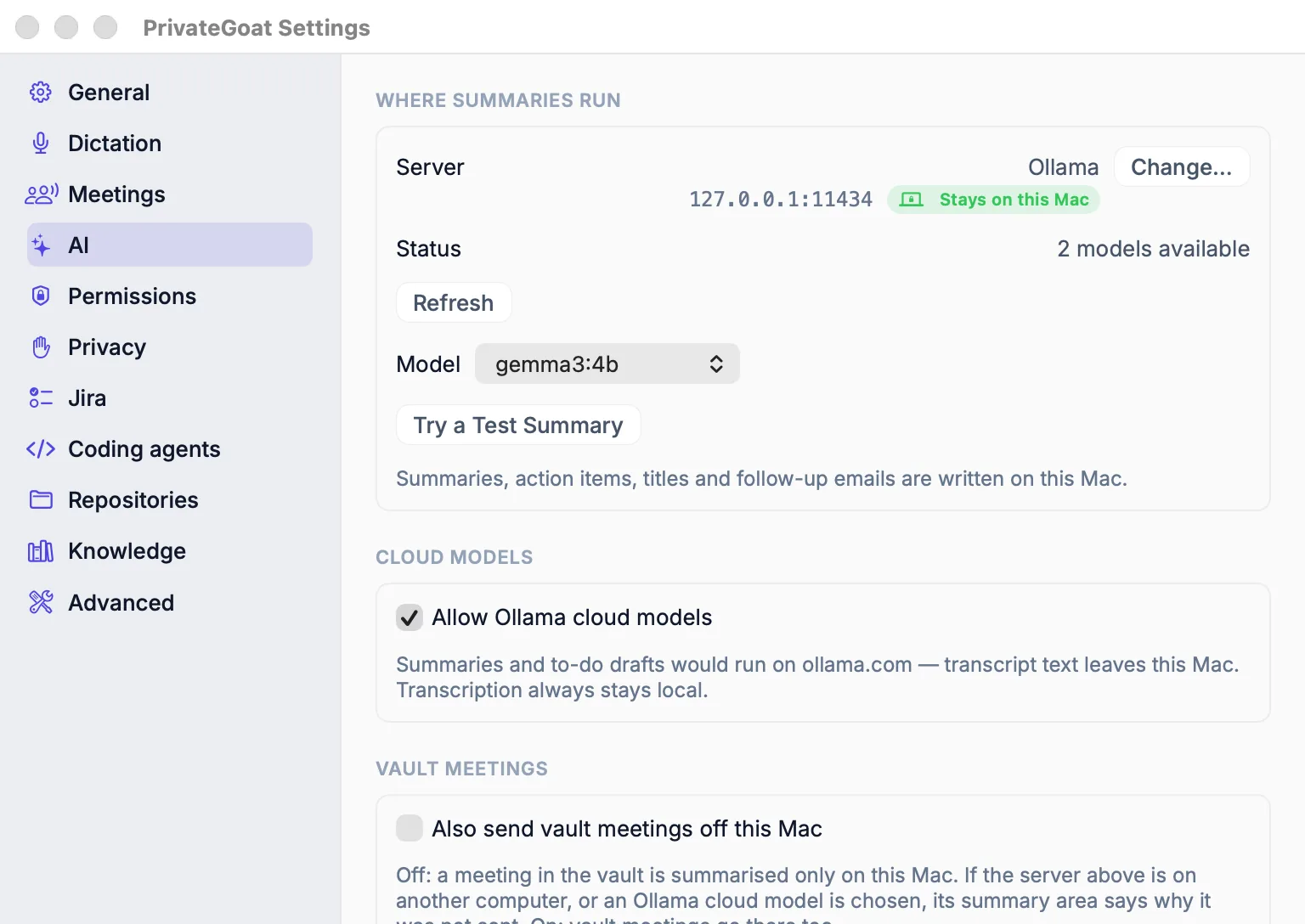
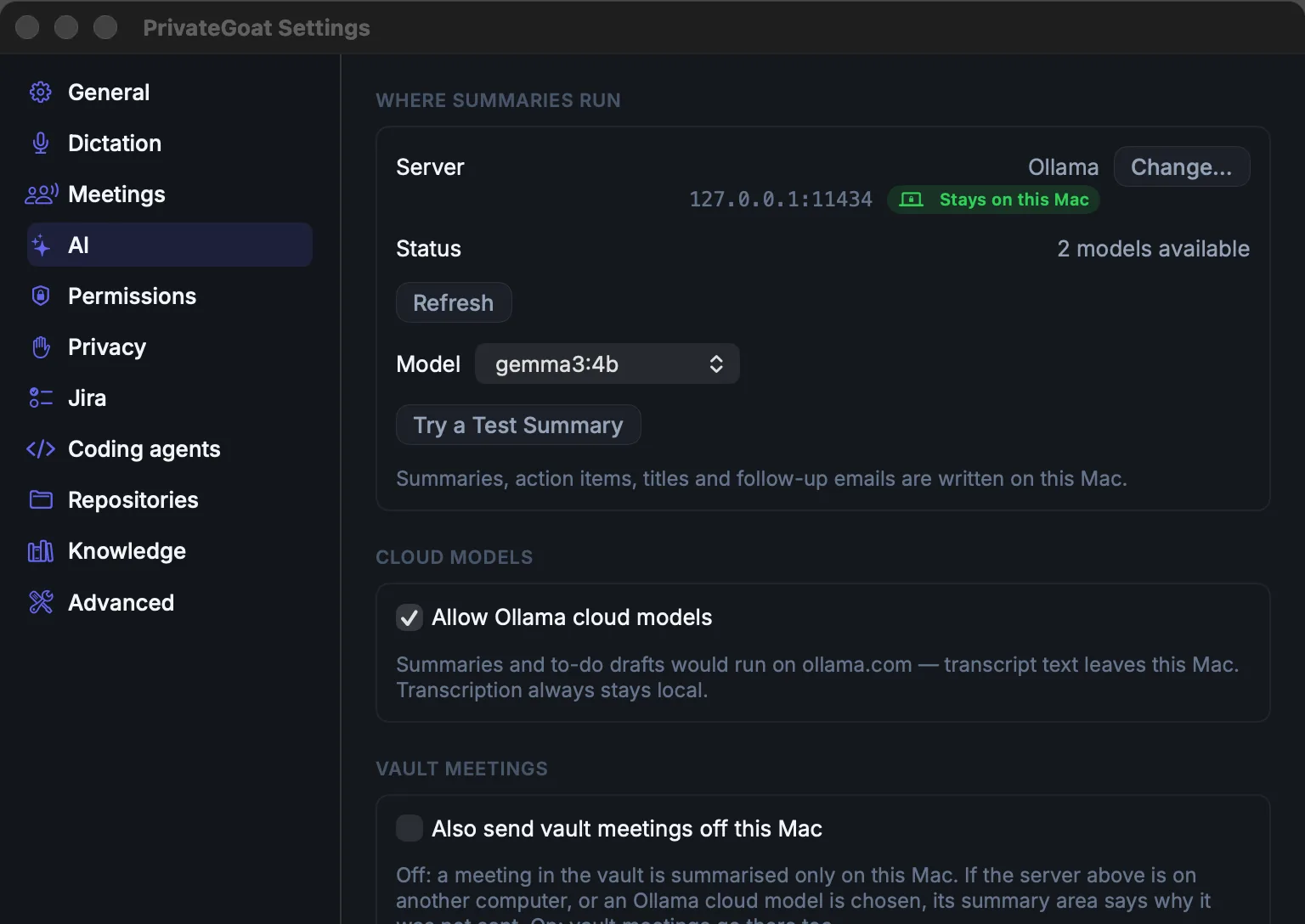
- Open Settings → AI → Where summaries run and press Change…. The Summary Setup window opens.
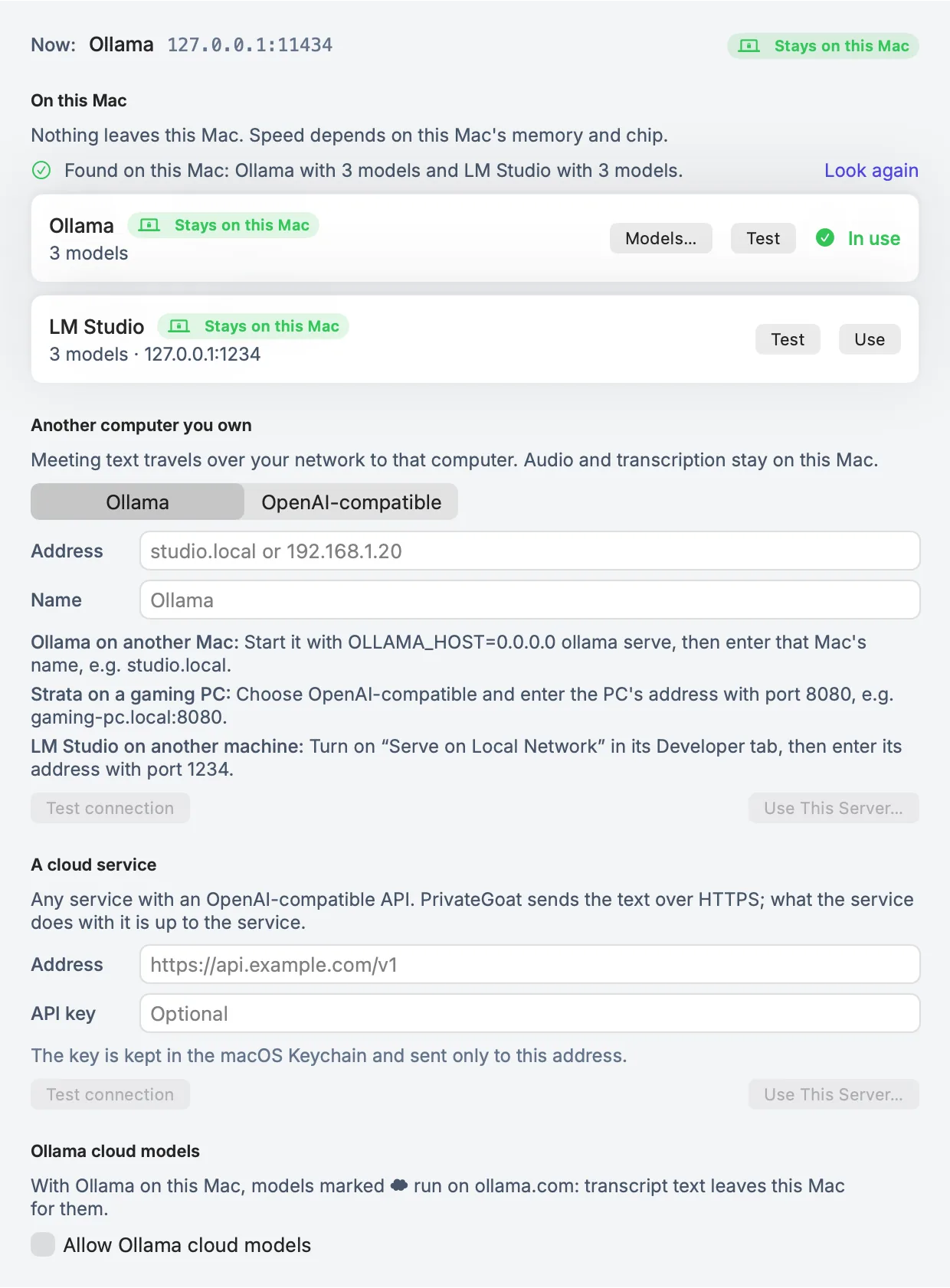
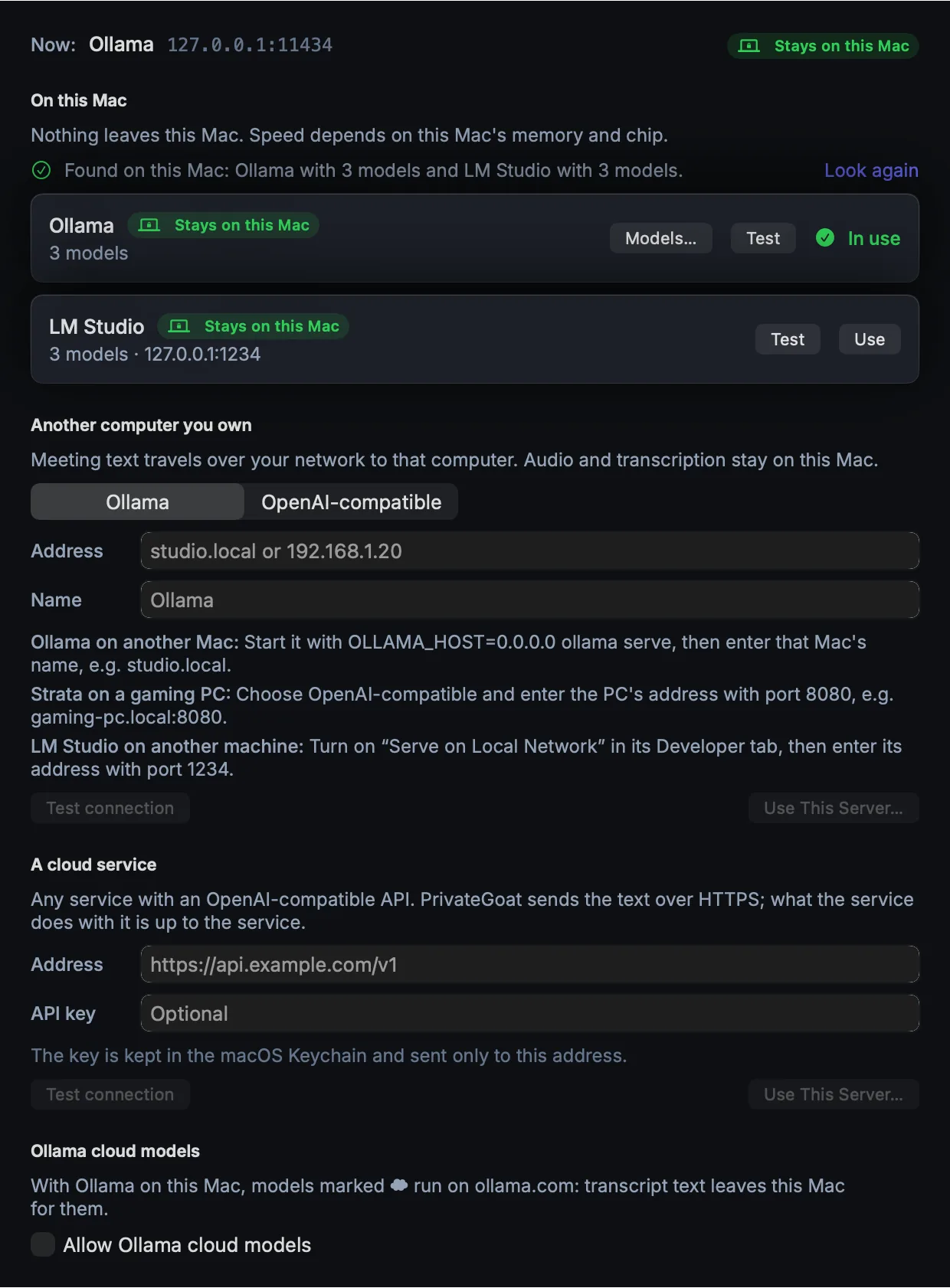
- On this Mac lists what answers here. PrivateGoat asks
127.0.0.1only, on ports 11434 (Ollama), 1234 (LM Studio), 8080 (llama.cpp or MLX), 8000 (vLLM) and 1337 (Jan). It never probes other machines. - For another computer or a cloud service, fill in the address, press Test connection, then pick a model and Try a Test Summary. The test summarises a made-up meeting; none of yours is sent.
- Press Use This Server…. A server off this Mac asks first: "Send meeting text to studio.local?". Nothing changes until you press Send to studio.local.
Set-up recipes
| Server | On that machine | In PrivateGoat |
|---|---|---|
| Ollama on another Mac | Start it with OLLAMA_HOST=0.0.0.0 ollama serve | Ollama, address studio.local (port 11434 is added) |
| LM Studio | Developer tab → Serve on Local Network | OpenAI-compatible, address with port 1234 |
| MLX | mlx_lm.server --model <model> (port 8080) | On this Mac it is found by the scan |
| llama.cpp | llama-server -m <model>.gguf --port 8080; add --host 0.0.0.0 for other machines | OpenAI-compatible, address with port 8080 |
| Strata on a gaming PC | Start its server | OpenAI-compatible, gaming-pc.local:8080 |
| A cloud service | — | Address such as https://api.example.com/v1, and the API key if it needs one |
You can paste a full …/v1/chat/completions address; PrivateGoat trims it to the base.
The rules
- A confirmation for anything off this Mac. Only loopback addresses (
localhost,127.0.0.1,::1) count as this Mac. A computer in the next room is still off this Mac, so the confirmation names its host. - No silent fallback. If the server does not answer, the job fails and says which server failed. It is never sent somewhere else instead.
- Vault meetings stay here. A meeting whose words are in the encrypted vault is not sent to a server off this Mac, or to an Ollama cloud model, unless Also send vault meetings off this Mac is on in Settings → AI. It is off by default. The meeting's summary area says why it was not sent.
- Plain http is named. Plain
http://to another computer gets a warning: the text crosses the network unencrypted unless the network itself is encrypted, for example over Tailscale. - Some plain http is refused by macOS. It allows plain http to this Mac, to LAN addresses (
10.x,172.16–31.x,192.168.x), to one-word names and to names ending in.local,.ts.net,.home.arpa,.internalor.lan. It refuses public addresses, including a raw Tailscale100.xaddress, and other domain names. Use the machine's.ts.netname, orhttps://.
Settings
| Setting | Where | Default |
|---|---|---|
| Where summaries run | Settings → AI → Change… | Ollama on this Mac, 127.0.0.1:11434 |
| Model, Try a Test Summary | Settings → AI | The model chosen at setup |
| Allow Ollama cloud models | Settings → AI → Cloud models | Off |
| Also send vault meetings off this Mac | Settings → AI → Vault meetings | Off |
What is stored
The chosen server is an app preference. An API key goes into the macOS Keychain, one per address, and is sent only to that address (see Keys and sign-ins).
What leaves your Mac
With the default, nothing. With a server off this Mac, the text of each summary job and its prompt go to that server, plus the API key if you gave one. Audio never leaves. See What leaves your Mac.
When it fails
- "Ollama at studio.local:11434 is not reachable." The other machine is asleep, its server is not
running, or it only listens on itself (start Ollama with
OLLAMA_HOST=0.0.0.0). - "macOS does not allow plain http:// to …" Use the local name, the LAN address, the
.ts.netname orhttps://. - HTTP 401 or 403. The message says to check the API key in Settings → AI.
- The context is too short. PrivateGoat sets the context size only for Ollama; other servers use the one the model was loaded with, and a long meeting may not fit. The server's error is shown with its name. Load the model with a larger context length.
- Answers but lists no model that can write text. Load a chat model on the server.
Related
- Local models — the default on this Mac and the memory check.
- What leaves your Mac — every request in one table.
- The encrypted vault — the meetings that stay here.