Jira
Daily Scrum
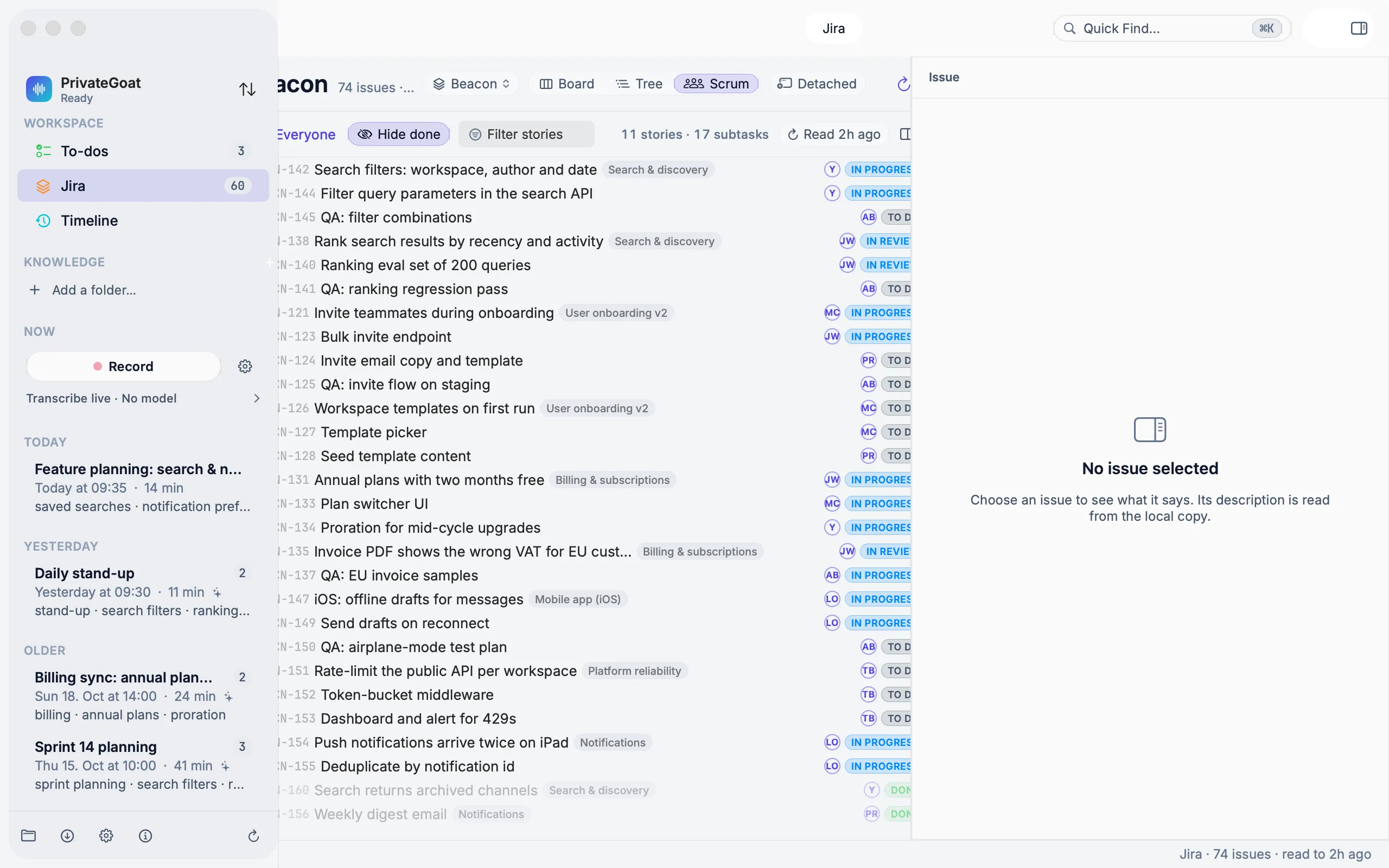
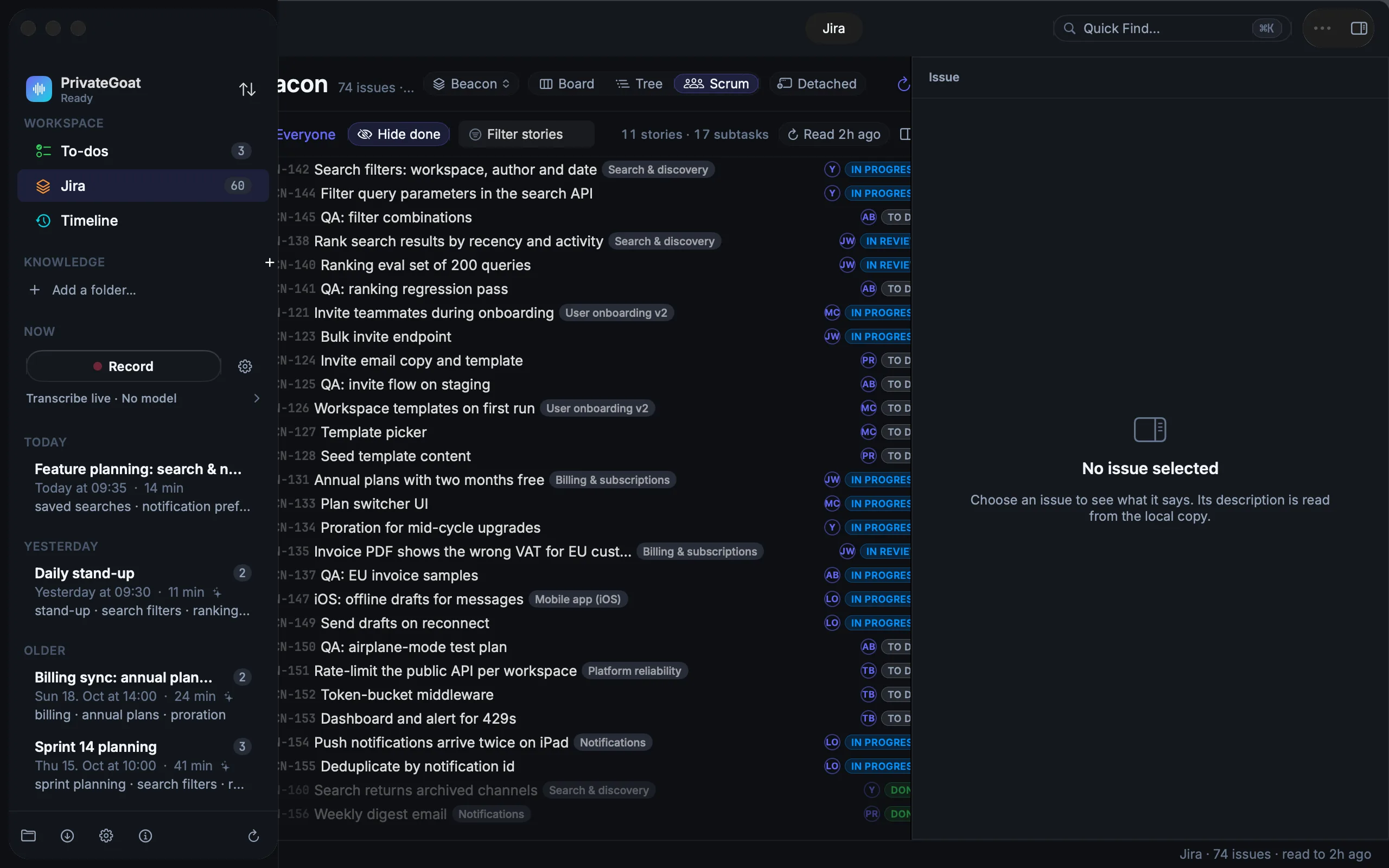
Run the stand-up from the sprint board, with each story's epic and subtasks in place and your own yesterday beside it.
The Daily Scrum view is the sprint as a stand-up needs it: the active sprint's stories in Jira rank order, each with its epic on a chip and its subtasks underneath, and the rest of the backlog below a line. A presenter row follows whoever is giving their update.
How to use it
Open Jira → Scrum.
| Task | How |
|---|---|
| Follow the speaker | The presenter row: All, one chip per person, Unassigned |
| Collapse a story or a backlog item | The disclosure triangle, or ← / → on a selected story |
| Collapse or expand everything | ⌥-click a disclosure triangle |
| See what is hidden | The hidden count next to a collapsed row |
| Assign, change status, copy | Select one or more rows and right-click |
| New issue | ⌘N in the Scrum view |
| Add a subtask | Right-click a story |
| Find a story | Filter stories; it forgives punctuation and case, so "adhoc", "AdHoc" and "ad_hoc" all find "ad-hoc", and "acme142" finds ACME-142 |
The board remembers which rows you closed, per board, and a search still shows matching subtasks.
Two windows for a stand-up.
- ⇧⌘J opens the Scrum view in its own larger window, for sharing in a call.
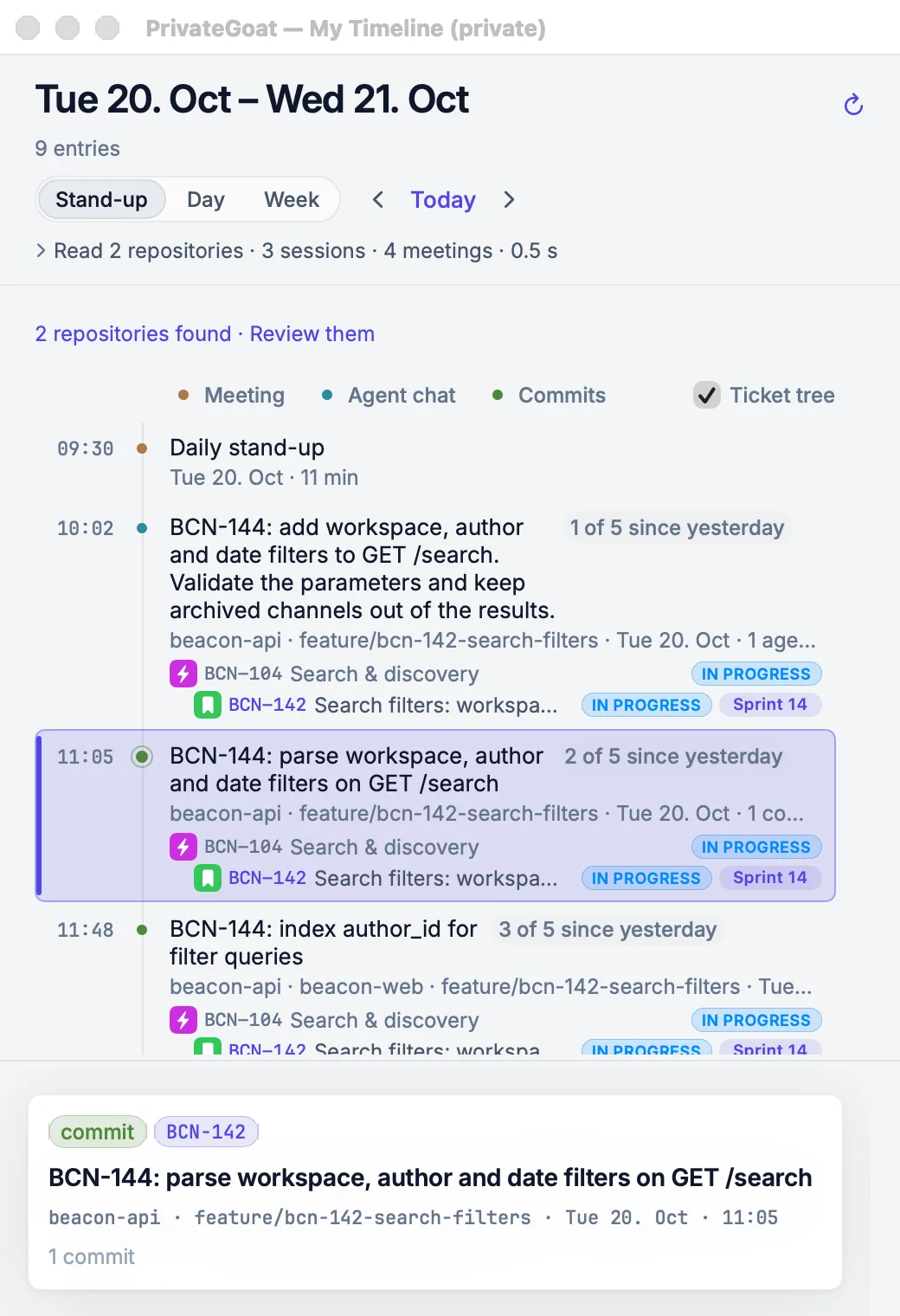
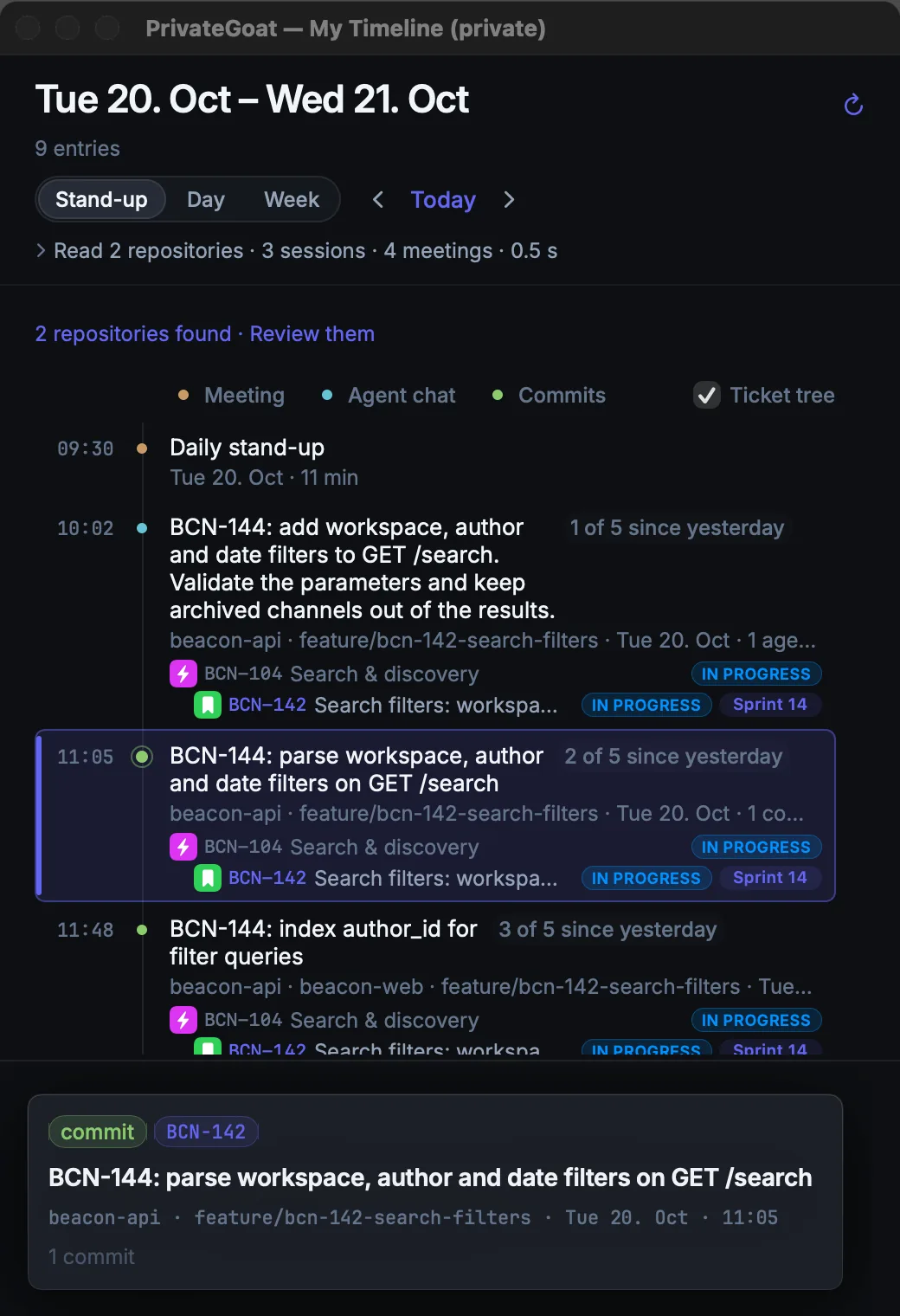
- ⌥⇧⌘J opens Stand-up Layout, with a private timeline of yesterday and today beside the board. Clicking a ticket in the timeline selects it on the board, and selecting a story finds the latest work on it in the timeline. On a laptop the timeline floats in a corner.
Settings
| Setting | Where | Notes |
|---|---|---|
| Hide done | The board's filter controls | Remembered per board |
| People, Filter stories, and the sprint picker | The Scrum controls | Not remembered: they start empty or on every active sprint |
| Enable editing in Jira | Settings → Jira → Editing | Assign and status changes |
What is stored
| Item | Where |
|---|---|
| Sprint stories, rank, statuses, assignees | ~/Library/Application Support/Sonavia/jira.sqlite3 |
| Which rows you closed, and the board's filters | App preferences, per board |
| The timeline beside the board | The local Timeline data |
What leaves your Mac
The same Atlassian reads and writes as the board and the tree, through https://mcp.atlassian.com/v2/mcp.
The timeline half of Stand-up Layout makes no network request.
When it is off or fails
- No active sprint: the view says No active sprint instead of drawing an empty list, and the backlog is not shown beneath it.
- A read-only grant: assign and status become explanations rather than silent failures.
- A failed sync: a notice appears and the existing copy stays on screen.
- Signed out: the board is still readable and stops updating.
- No Jira account: the Daily Scrum, the Stand-up Layout and their Window menu items are not there (see Connect Jira).
Related
- Tree and board — the other two views.
- Timeline — the data behind the stand-up layout.
- Create and edit tickets — changing a ticket from the board.