Timeline
What you actually did today: meetings, coding-agent sessions and git commits on one timeline, with their tickets.
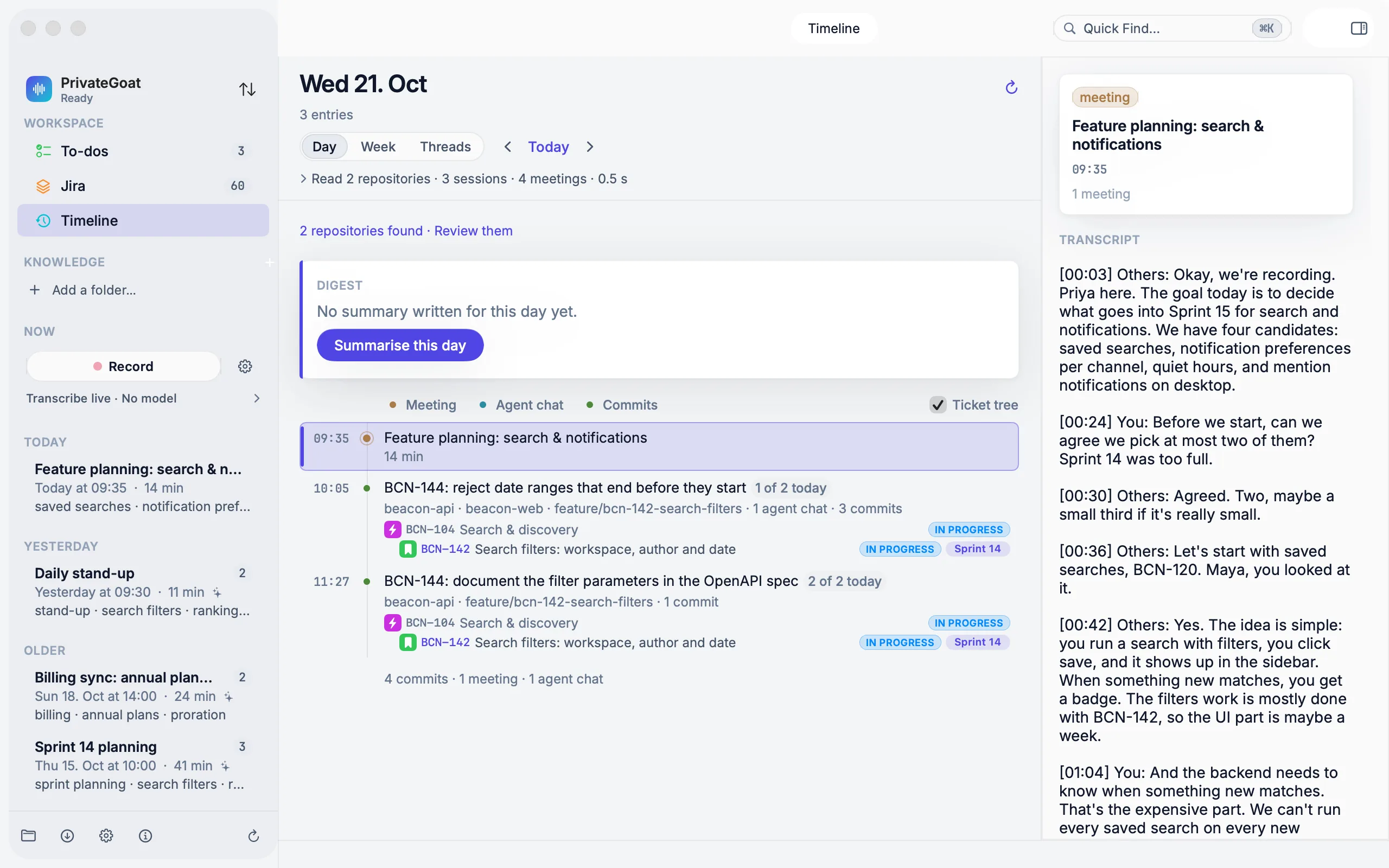
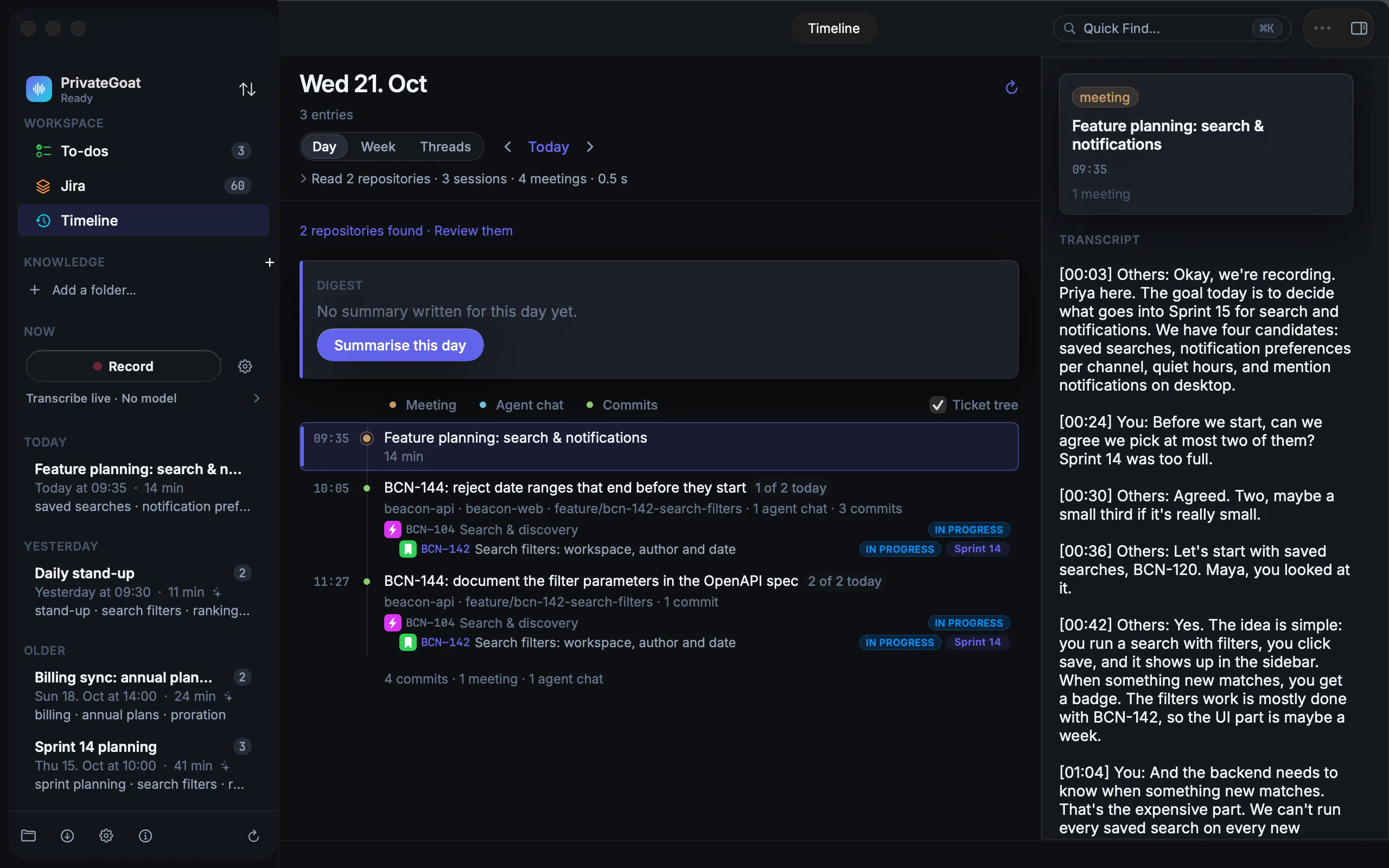
The Timeline answers "what did I do today?" from local evidence rather than memory: the meetings you recorded, the coding-agent sessions that ran, and the commits in your repositories, with the ticket keys found in branches and commits linked back to your Jira copy if you connected Jira.
How to use it
- Open Timeline in the sidebar. On the first run it asks for permission first: choose Allow and scan. Nothing is read until you answer (see What is scanned).
- Pick a view — Day, Week or Threads — and step with Today and the previous/next controls.
- Read a day top to bottom. Meetings, agent sessions and commits appear in time order, and a ticket appears in its place in the ticket tree: epic, story, subtask, status and sprint, with Not in sprint marked.
- Right-click a ticket for Show ACME-62 in Jira Tree, Open ACME-62 in Browser or Copy ACME-62.
Two other ways in: Window → Open Timeline Window for a standalone window, and the stand-up layout (⌥⇧⌘J) which puts a private timeline of yesterday and today beside the Scrum board (see Daily Scrum).
What is scanned
| Source | Where it is read from |
|---|---|
| Git commits | The repositories you tick in Settings → Repositories, across every local branch and worktree |
| Agent sessions | ~/.claude, ~/.codex and ~/.dsh, wherever they ran |
| Meetings | The meeting archive |
The source files are never modified.
Settings
| Setting | Where | Notes |
|---|---|---|
| Scanned folders | Settings → Repositories → Scanned folders (Add Folder…) | Repositories default to ~/Projects until changed |
| Repositories | Settings → Repositories | Tick the ones whose commits are read |
| Who counts as you | Settings → Repositories | The author identities that count as your work |
| Read coding-agent histories on this Mac | Settings → Coding agents → Chats | The same consent as Allow and scan, shared with Chats; off, the Timeline stops scanning |
What is stored
| Item | Where |
|---|---|
| Timeline entries and written day digests | ~/Library/Application Support/Sonavia/Timeline.json |
| The agent-session cache | ~/Library/Application Support/Sonavia/HarnessSessions.json |
| Commits | Kept for 180 days by author date; the first scan looks back 90 days |
What leaves your Mac
Nothing. Git commands, file reads and the day digest are local; the digest is written by the local model on
127.0.0.1. If a cloud model has been selected for summaries, the digest text follows the same cloud rule
as summaries — see Local models.
When it is off or fails
- No consent yet: the timeline says it is not built and offers Allow and scan.
- No repositories ticked: commits are absent, but sessions and meetings can still appear.
- No summary model: "No summary written for this day yet" and Summarise this day remain.
- The day changed after its summary was written: the card says how many entries are new or changed, and Update rewrites only those (see Day digest).
- No Jira account: commits and sessions still appear, without a ticket tree beside them.
- A failed scan: the header reports it and the last data stays in place.
- Threads with nothing in the last 30 days: an empty state instead of an empty list.
- A repository you never ticked: its agent sessions still appear; only its commits are missing.
Related
- Day digest — the day folded into one line per work item.
- Agent sessions under tickets — the sessions this view reads.
- Daily Scrum — the board the stand-up timeline sits beside.