Install PrivateGoat
Download the app for Mac, or install it with one Homebrew command. The setup assistant does the rest.
PrivateGoat is a free Mac app. There are two ways in — a download or Homebrew — and both end in the same place: a menu-bar app and a setup assistant that walks you to your first meeting.
Install
Download for Mac. The button on privategoat.app downloads the latest release as a DMG. Open it and drag PrivateGoat to Applications.
Homebrew. If you already use Homebrew, one command installs the same app:
brew install --cask tomw1808/privategoat/privategoatBoth routes install the same app bundle, and both update through the app afterwards — see Updates. There is nothing else to install, no driver, no bot and no account.
First launch
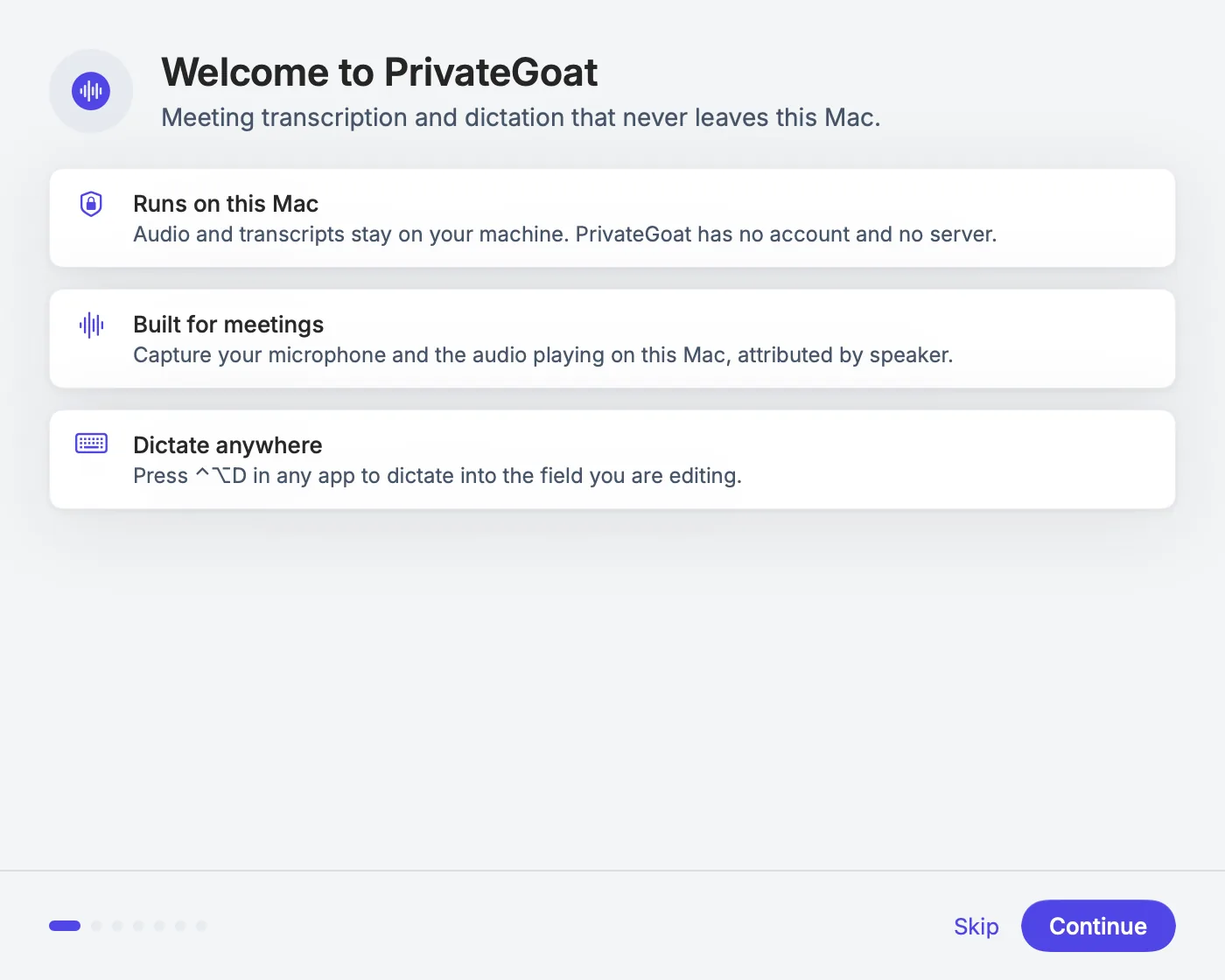
The first launch opens the setup assistant. It asks for the microphone, installs a speech model, offers a local summary model, and asks whether PrivateGoat may check for updates and whether your team plans in Jira. Most of it can be skipped; the microphone and one speech model cannot. The full list is on The welcome tour.
When the tour ends, PrivateGoat keeps running in the menu bar. Left-click the icon to open the window, right-click it for the menu; you can add a Dock icon in Settings → General → Where PrivateGoat appears (see Menu bar and settings).
What is installed
| Item | Where |
|---|---|
| The app | /Applications/PrivateGoat.app |
| Speech models | ~/Library/Application Support/Sonavia/Models |
| Meeting, to-do and Jira data | ~/Library/Application Support/Sonavia/ (created on first use) |
Nothing is created until you use the feature that needs it. The full inventory is on What stays on your Mac.
No account
There is no PrivateGoat account, licence key or sign-in. The only sign-in the app can ask for is Atlassian, and only if you connect Jira, which is optional — see Connect Jira. The app is free. No subscription.
Related
- The welcome tour — the steps after the download.
- Your first meeting — record something and read it back.
- Updates — how the app keeps itself current.