Quick Find
⌃⌥K opens one search over meetings, to-dos, Jira issues and coding-agent chats, from any app.
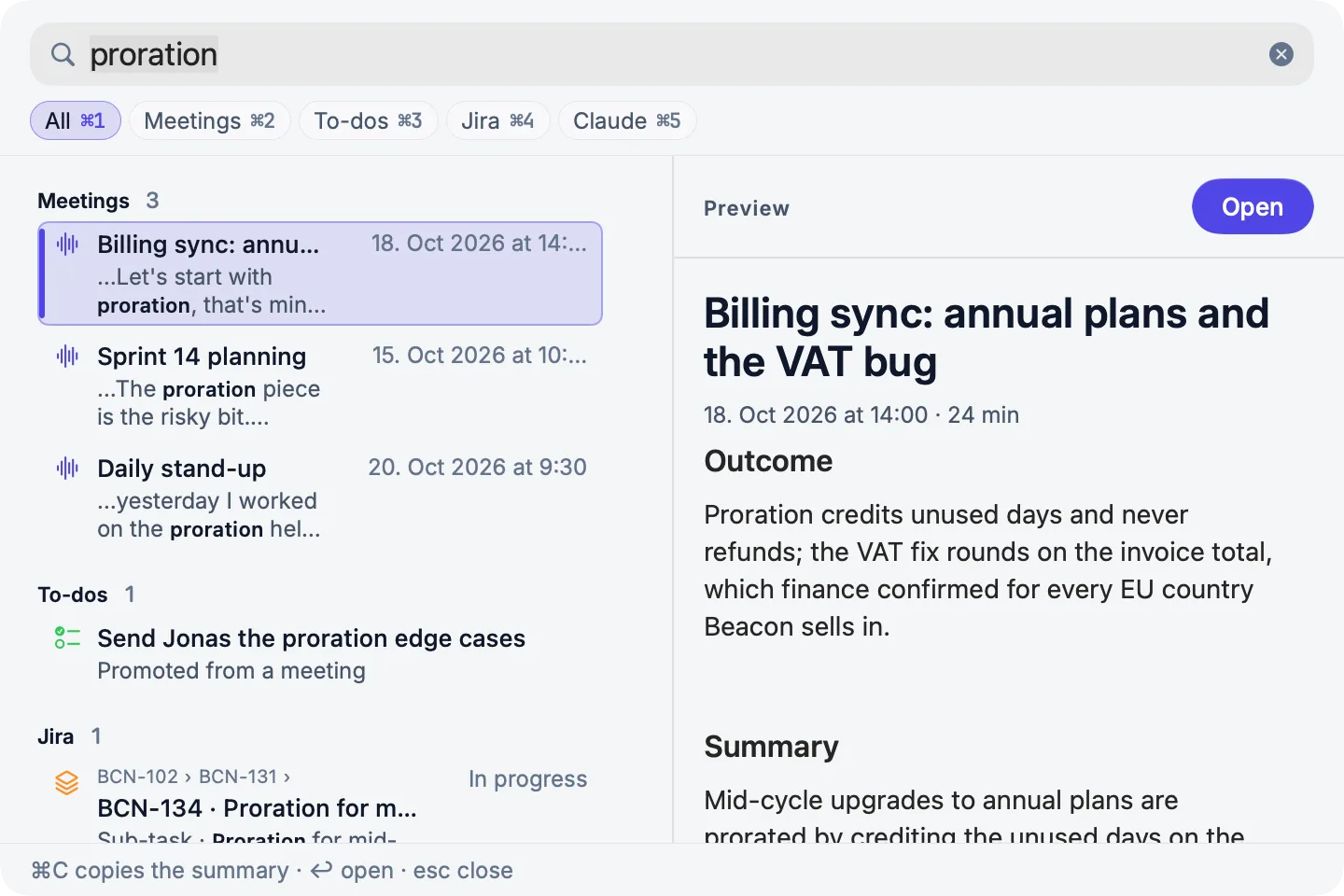
Quick Find is one search for everything PrivateGoat knows about. It opens over whatever you are doing, returns results from several sources at once, and can hand you the useful part — a ticket key, a summary — without a detour through an app window.
How to use it
| Action | Keys |
|---|---|
| Open Quick Find from any app | ⌃⌥K |
| Open the same search inside PrivateGoat | ⌘K, or Edit → Search Everything |
| Narrow to All, Meetings, To-dos, Jira, Chats | ⌘1 to ⌘5 |
| Open the highlighted result | Return |
| Resume a highlighted chat in Terminal | ⌘Return |
| Copy the useful part and go back | ⌘C |
| Copy the long form | ⇧⌘C |
| Close the panel | Esc (the words stay for when you reopen it) |
The first result is highlighted, so a ticket can be copied without arrowing. Return opens the result in PrivateGoat — an issue is selected and scrolled to in the tree, or on the Daily Scrum; a chat opens in Chats at the matching message, and ⌘Return resumes it in Terminal instead — while ⌘C copies the useful part and returns you to where you were. A fresh search starts after a result is used, or after a minute.
The menu calls this Search Everything; the panel and the release notes call it Quick Find. It is the same search, not two surfaces.
The results and the preview
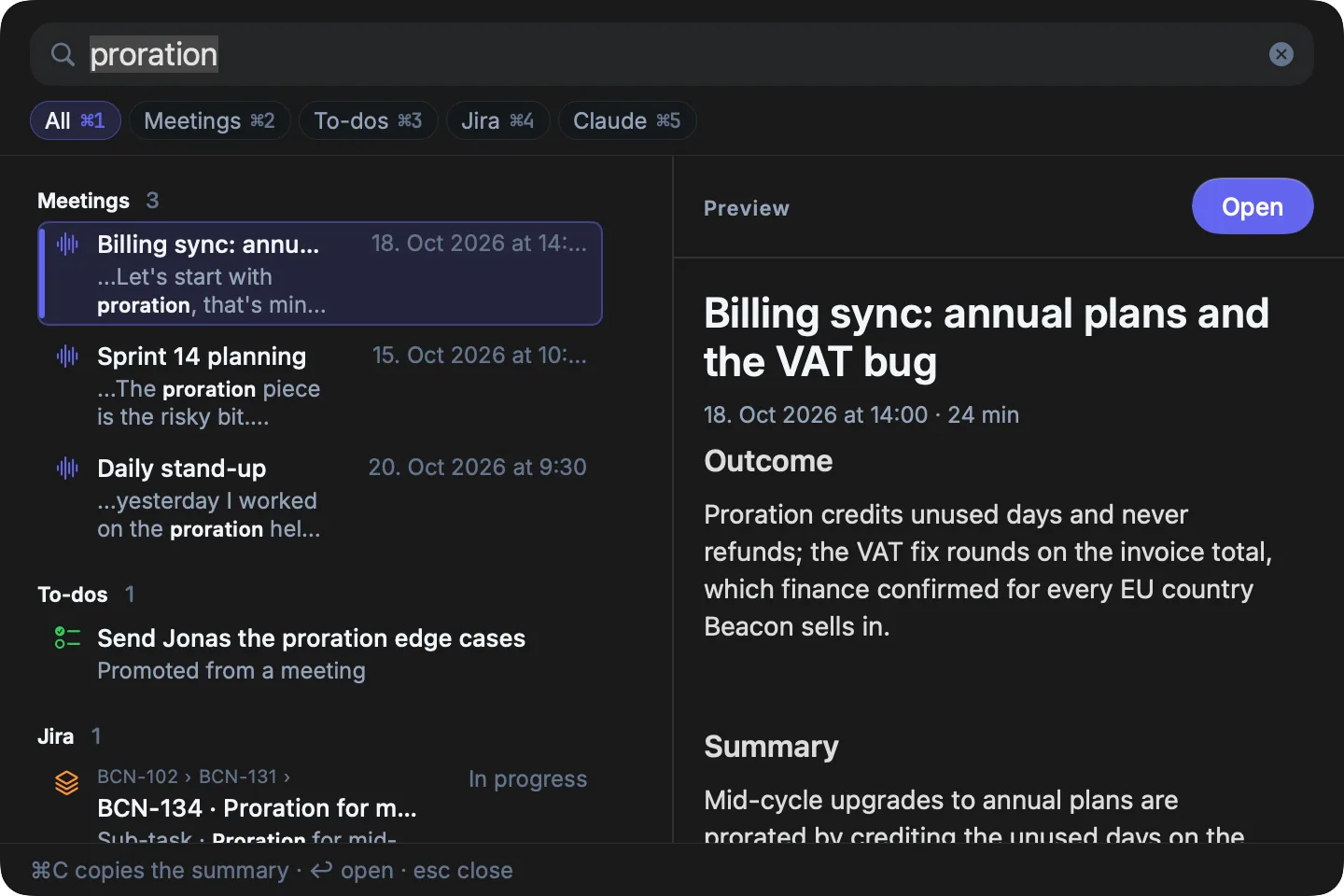
Results are grouped by source, always in the same order: Meetings (with the matching transcript line), To-dos, Jira (with the parent keys above the title), then Chats. A group shows five results, then Show all N for the rest, and the words you typed are bold in every row.
The arrow keys move one highlight across the groups, and the first result is highlighted when the panel opens. The preview pane on the right follows the highlight: a meeting's summary, or the transcript passages that matched; a Jira issue's key, status, assignee, project and description; a to-do with the quote it came from; a chat, with Open in Chats and Open in Terminal.
Settings
| Setting | Where | Notes |
|---|---|---|
| Quick Find anywhere | Settings → General → Global shortcuts | The global chord can be changed or switched off |
| ⌘K | Fixed menu shortcut | Not configurable |
There is no per-source switch. Jira results come from the local copy, so they are only as fresh as the last sync.
What is stored
Nothing of its own. Quick Find queries the meeting archive, workspace.sqlite3, jira.sqlite3 and
claude-search.sqlite3; no query history is written.
| Source | Backed by |
|---|---|
| Meetings | ~/Library/Application Support/Sonavia/Meetings/ |
| To-dos | ~/Library/Application Support/Sonavia/workspace.sqlite3 |
| Jira issues | ~/Library/Application Support/Sonavia/jira.sqlite3 |
| Chats (Claude Code, and Codex once reading is allowed) | ~/Library/Application Support/Sonavia/claude-search.sqlite3 |
Meeting text is read from the meeting folders and from the search index in workspace.sqlite3. That index
never holds the text of a kind kept in the encrypted vault.
What leaves your Mac
Nothing. Jira is searched in the local cache and chat results come from the local index; the search makes no network request.
When it is off or fails
- Jira results are stale: they are only as fresh as the last sync; use the sync button in the Jira header (see The local copy).
- No Jira account: there is no Jira group and no Jira scope; ⌘4 does nothing, and ⌘5 still means Chats.
- No Chats place on this Mac: Return on a chat resumes it in Terminal, as before.
- One source is slow: the others still return. The diagnostic log names the slow source and its duration (see The diagnostic log).
- No match: the panel says so.
- The global chord is taken by another app: Settings says so and keeps the previous chord; ⌘ K still works inside the app.
- Meetings in the vault: while the vault is locked, their encrypted text is not searched and the panel says "N meetings are in the vault — unlock to search them", with Unlock beside it. A meeting whose title is encrypted shows as "Locked meeting". Unlocked, they are searched from memory, never from the index on disk.
Related
- Ticket lookup — the faster path when you only need one key.
- Search agent conversations — the Chats scope in detail.
- Keyboard shortcuts — the global shortcuts.