Follow-up email
A draft written from the summary and the action items, in your tone. PrivateGoat never sends it.
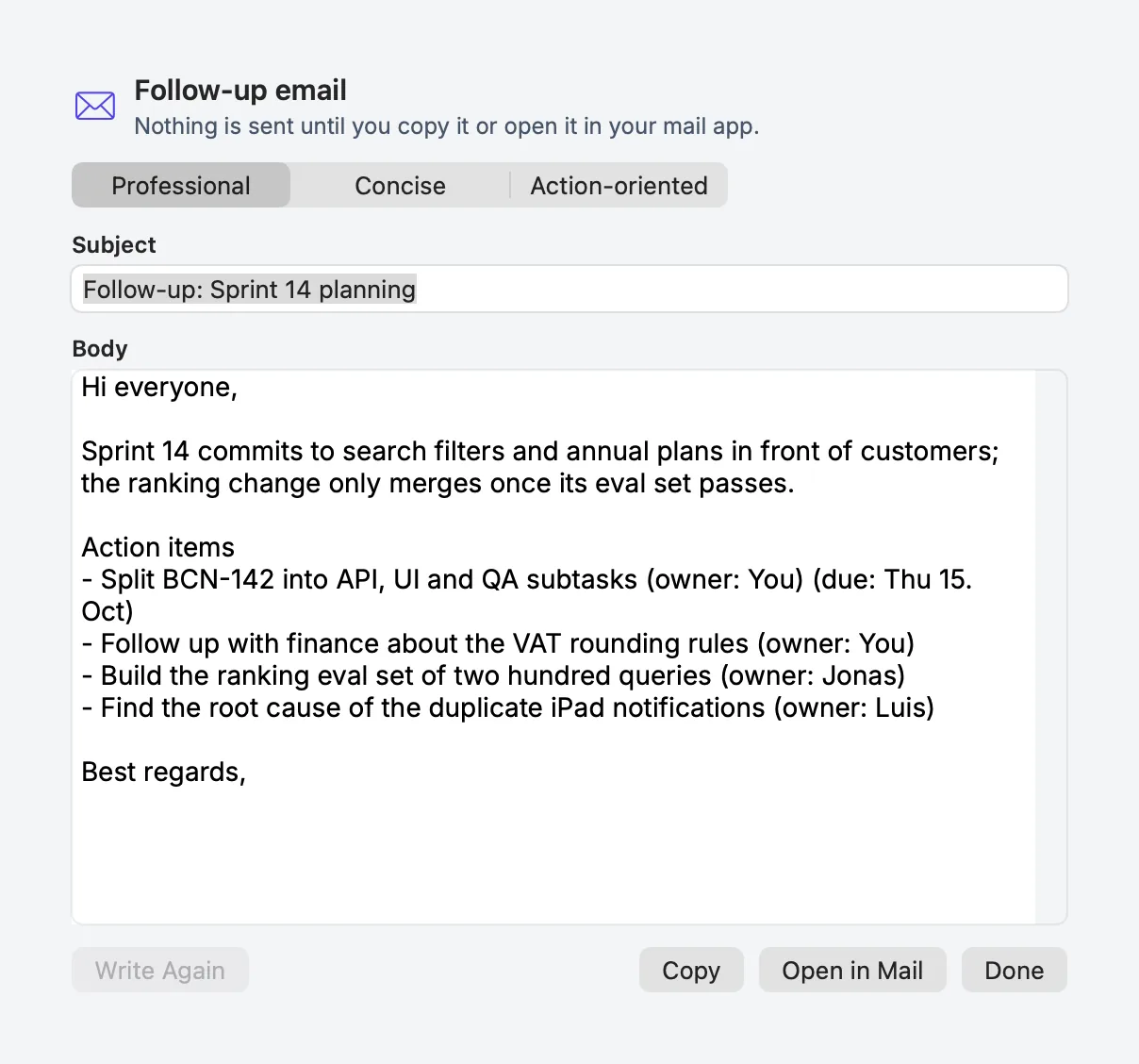
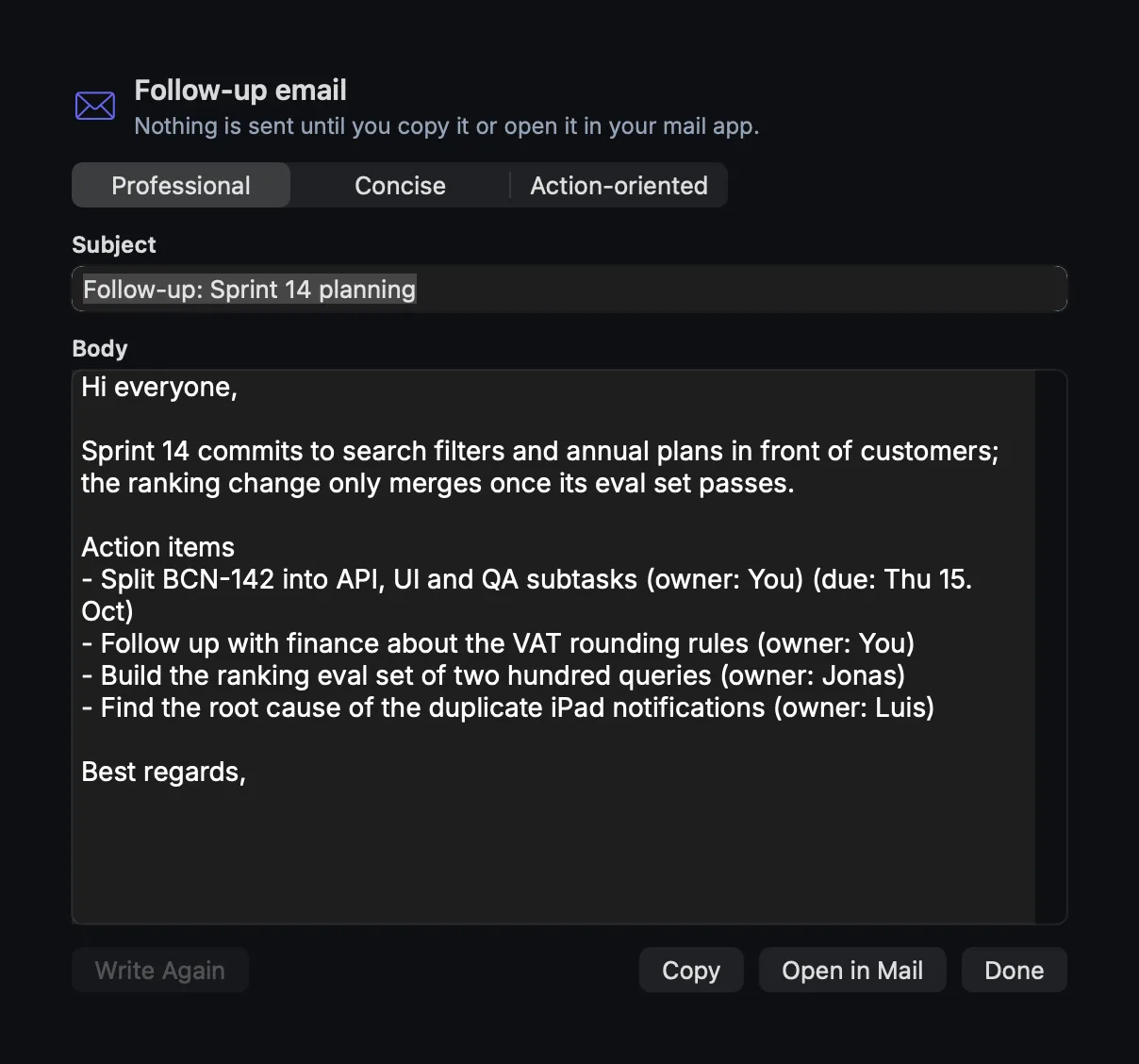
The follow-up email turns the notes into a message you can actually send: the outcome, the decisions and the actions, in a tone you pick. It is drafted on the Mac from the summary and the action items, and it is only a draft — copying it or opening it in your mail app is your decision.
How to use it
- Open a meeting that has notes and action items, and go to the Transcript tab.
- Open the ⋯ menu → Draft Follow-up Email….
- Pick a tone: Professional, Concise or Action-oriented.
- Read and edit the draft in the sheet. It is plain text; nothing is locked.
- Choose Copy, or Open in Mail to hand it to your default mail app.
The draft uses only the notes and the actions. The prompt forbids invented dates, owners, names or actions, keeps the notes' timestamps out of the prose, and leaves the sign-off without a name.
Settings
| Setting | Where | Notes |
|---|---|---|
| Tone | In the sheet | Professional, Concise or Action-oriented |
| Model | Settings → Meetings → Recording & models | The meeting summary model is used |
There is no separate email setting, and no account is connected to mail.
What is stored
follow-up-email.md in the meeting folder, so the draft survives leaving the meeting.
| Item | Where |
|---|---|
| The draft | ~/Library/Application Support/Sonavia/Meetings/<meeting>/follow-up-email.md |
What leaves your Mac
Nothing by default: the draft is written on the Mac. Copy puts it on the clipboard, and Open in Mail
opens a mailto: URL and hands the draft to your default mail app; what that app does with it is outside
PrivateGoat. With Allow Ollama cloud models on and a cloud model selected, the text used to write the
draft goes to ollama.com — the same rule as summaries (see
Local models).
When it is off or fails
- No notes or actions yet: the action is disabled until there is something to draft from.
- A model error: it is shown in the sheet; the draft stays where it is.
- No mail app configured: Copy still works. PrivateGoat itself never sends.
- A cloud model selected: the draft's text is written with that model, and the cloud notice applies.
Related
- Summaries and action items — the input to the draft.
- Export minutes — a document instead of an email.
- Local models — when text leaves the Mac.